

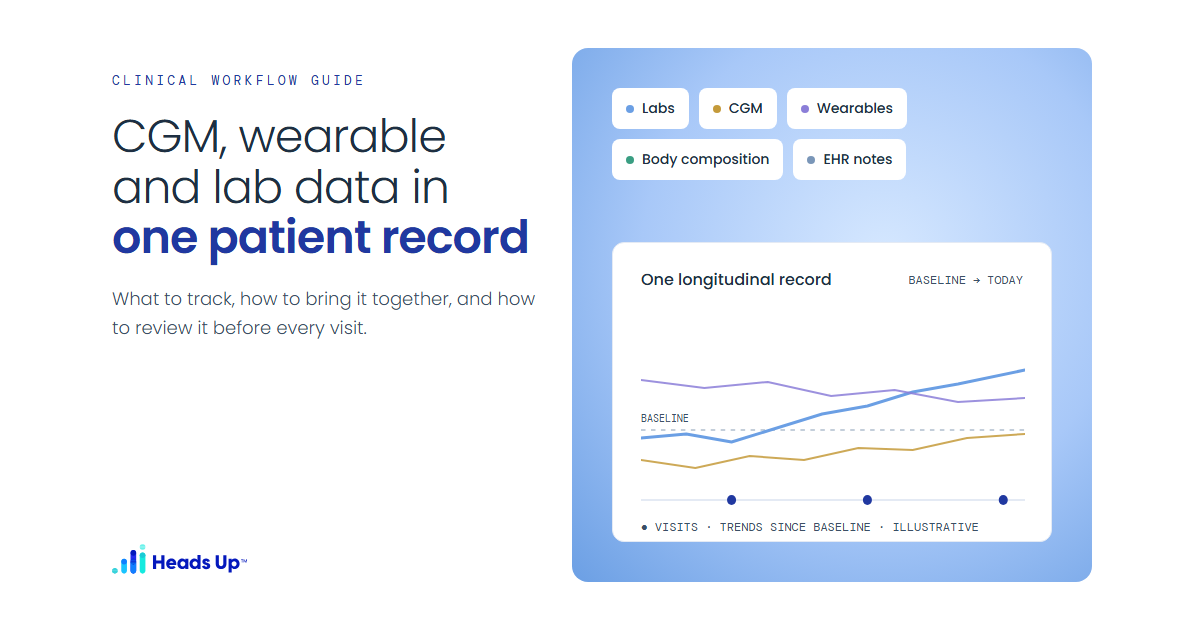
Most concierge, longevity, and functional medicine practices already have more patient data than they can use. A patient/client shows up with a continuous glucose monitor, a sleep ring, a smart scale, a blood pressure cuff, and three years of lab PDFs from different vendors. Each source tells part of the story. None of them tells it on its own.
The problem usually isn't access. The data lives in separate apps and portals, in different formats, on different timelines. If you see a patient every four to six weeks, most of what happened to them happened while you weren't in the room. Visits start with someone manually pulling numbers together, and the patterns that matter most, the ones that cross data sources and play out over weeks, get missed.
This guide covers a practical way to integrate wearable data into patient care: what to collect, how to build one longitudinal record, how to give patients a clear plan between visits, and how to walk into each appointment knowing what changed.
Why a single longitudinal record matters
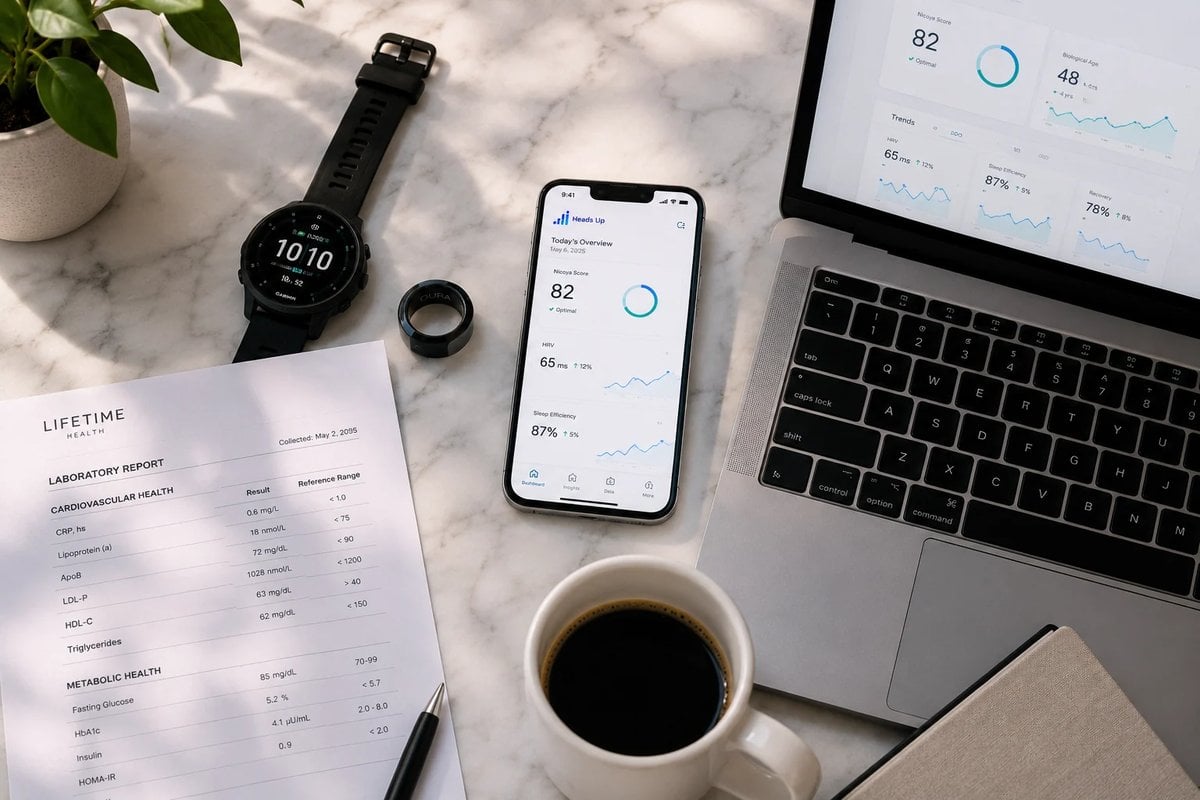
A fasting glucose on a lab panel is one moment. A CGM trace shows the days around it. Sleep and HRV data may help explain why glucose variability rose during a stressful month. When these sources sit on one timeline, two things become possible. First, you establish a baseline: what "normal" looks like for this particular patient before you change anything. Second, you build a trajectory: how each measure has moved since, and alongside which interventions. With both in hand, you can ask better questions at each visit:
- Did the change in lab markers line up with a change in behavior, sleep, or activity?
- Is a patient's self-reported symptom backed up by objective trends, or does it point to something you haven't measured?
- Compared with baseline, is the current plan working, plateauing, or drifting?
01
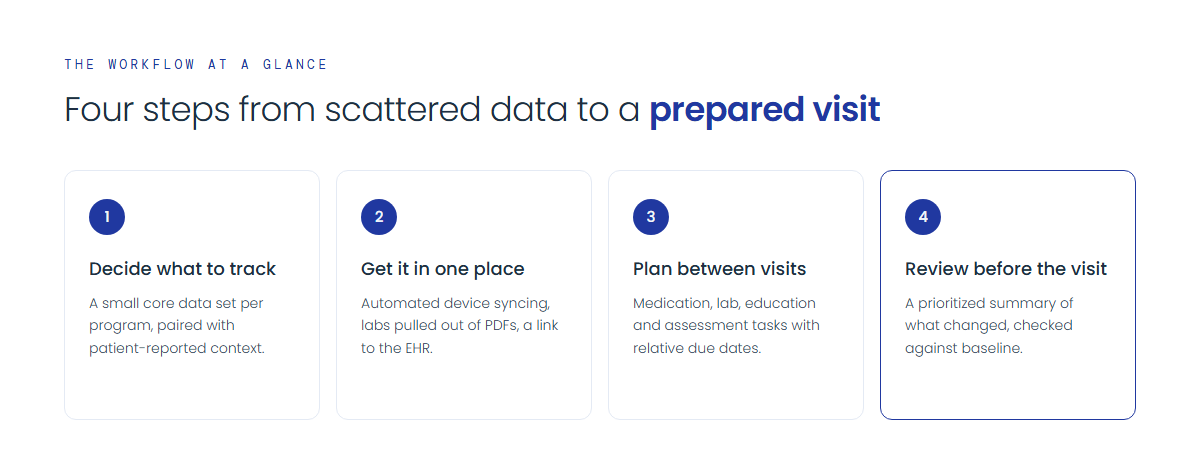
Decide what you actually need to track
Decide what is clinically relevant to each patient's goals and your protocols. A lean data set you review consistently beats a sprawling one nobody looks at.
Define a core data set per program
For each program or protocol you offer, write down the few metrics that tell you whether it's working. For example:
- Metabolic programs: CGM glucose trends and variability, fasting labs relevant to your protocol, weight, and body composition.
- Cardiometabolic or longevity programs: blood pressure, resting heart rate, HRV, sleep, activity, and the lab markers you recheck on a schedule.
- Sleep, stress, and recovery work: sleep duration and consistency, HRV trends, and patient-logged symptoms or mood.
Pair objective data with patient-reported context
Wearables tell you what happened, rarely why. Ask patients to log symptoms, meals, supplements, travel, illness, and major life events. That context often explains an odd-looking trend.
Match review to your visit cadence
Decide when each data type gets reviewed and by whom. For most practices, the natural rhythm is a structured review before each scheduled visit, plus lab rechecks on a set timeline. Write this down so preparation doesn't depend on individual staff habits.

02
Get the data into one place
This is the step most practices underestimate.
Device and app connections
Most wearables and home devices sync through their own platforms or aggregators like Apple Health. Aim for automated syncing; manual uploads and screenshots tend to stop within weeks.
Lab data
Labs are often the hardest piece. Results arrive as PDFs or portal entries from different vendors, with different units, reference ranges, and naming conventions. To trend labs over time, results need to be pulled out of static documents and normalized so the same marker from two labs lines up on one chart.
EHR and clinical notes
Ideally, the longitudinal record links to your EHR rather than duplicating it, so diagnoses, medications, and notes sit next to device and lab data without double entry.
Consent and onboarding
Make connecting devices part of onboarding, not an afterthought. Walk patients through it during intake, explain what data you'll see and how you'll use it, and document consent.
03
Give patients a structured plan between visits
Data shows you what happened. Patients also need to know what to do in the weeks between appointments. Turn each protocol into a structured program with concrete tasks:
- Medications and supplements with dose times, so patients can record what they took or skipped.
- Labs scheduled at the right point in the protocol, such as a recheck at week eight.
- Education such as a short reading or video on meal timing, sleep hygiene, or how to wear a CGM sensor correctly.
- Notes or assessments, such as a symptom questionnaire before the next visit.
Use due dates relative to each patient's start date ("lab draw 30 days after enrollment") rather than fixed calendar dates, so the sequence stays correct whenever someone joins. Then, at the next visit, you can see not only how the biomarkers moved but whether the plan was actually followed. That's the difference between "the protocol didn't work" and "the protocol wasn't done."
04
Build a pre-visit review your team can sustain
For a practice that sees patients every four to six weeks, the right time to review is just before the visit.
Prepare a prioritized pre-visit summary
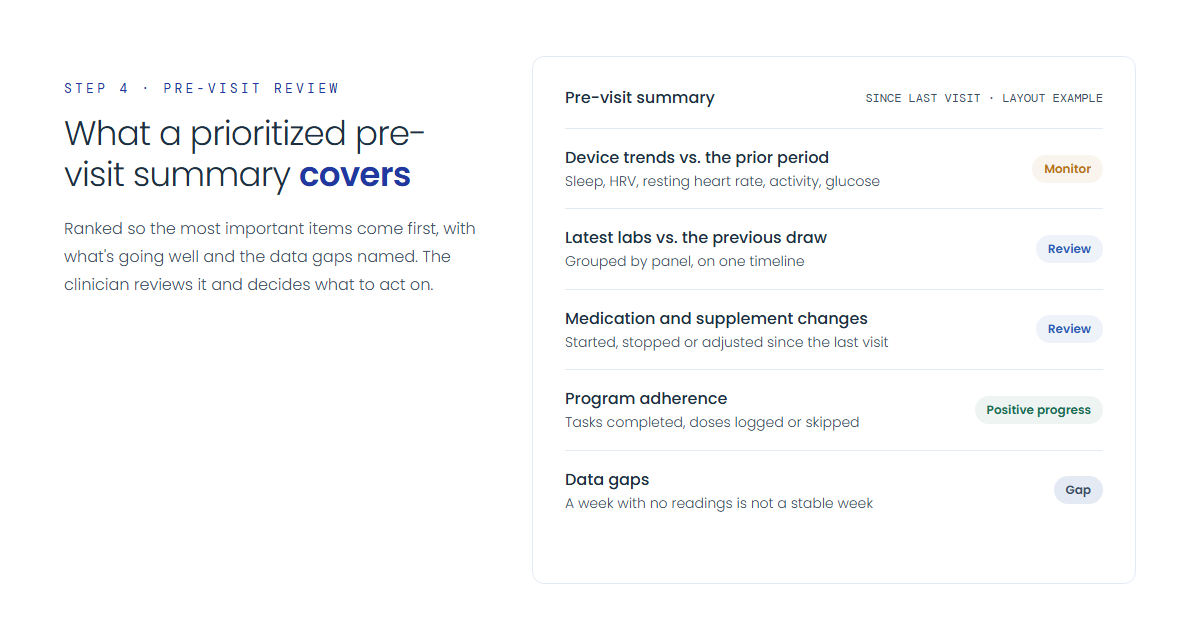
Summarize what changed since the last encounter: device trends versus the prior period, latest labs against the previous draw, medication changes, program adherence, and logged events. Rank items so the most important come first, include what's improving, and note data gaps explicitly; a week with no readings isn't a stable week.
Validate the next care plan against baseline
Use the visit to compare the patient's current trajectory with where they started. Is the protocol moving the measures you chose in Step 1? If yes, continue or progress it. If not, check adherence first, then decide whether to adjust. The clinical judgment is yours. The data's job is to make that judgment better informed.
Educate and close the loop
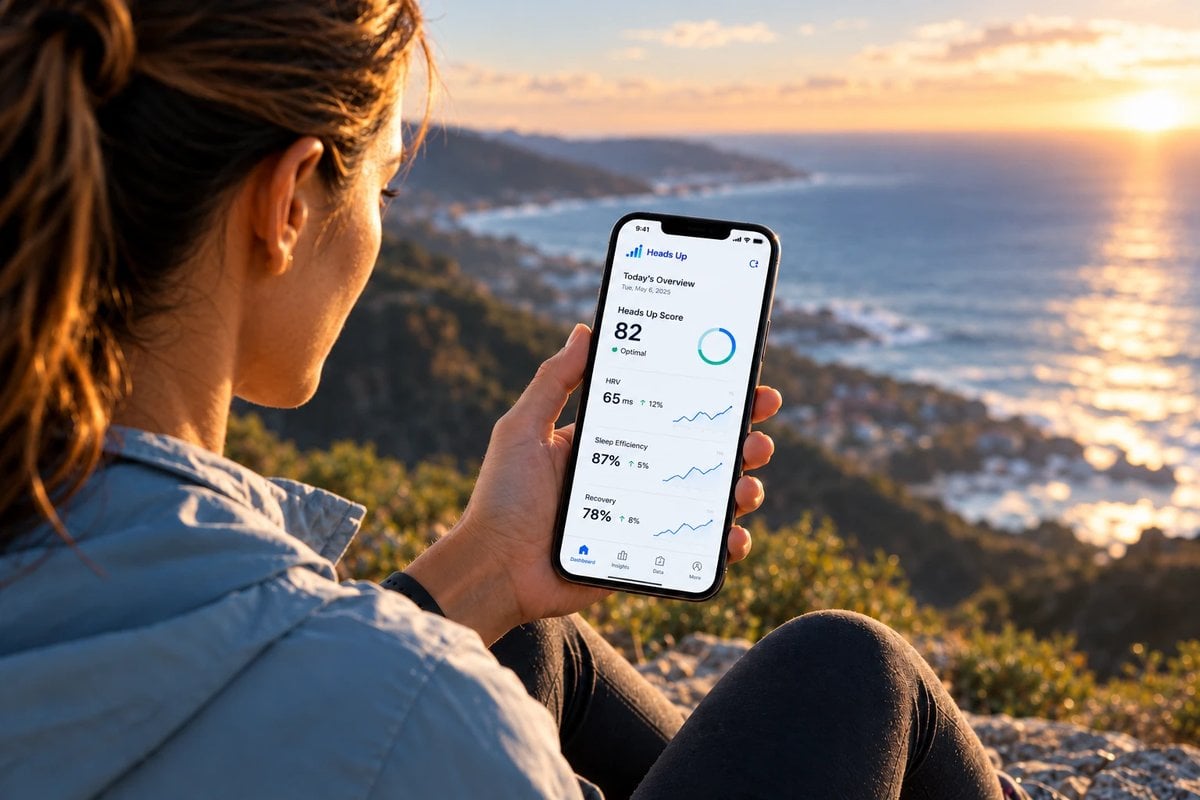
Show patients their own trends; a chart of their own glucose response is often more persuasive than any explanation. Then record what you decided (adjust a protocol, order a lab, add an education task, or continue) so decisions sit next to the data over time.
Common pitfalls when you integrate wearable data into patient care
Collecting everything, reviewing nothing. Connecting every possible data source without a review plan creates noise. Start with a core data set per program.
Treating wearable data as a live feed. This workflow is for reviewing trends over weeks and months, not for watching readings as they come in. Make sure patients know that synced data isn't being watched continuously, and that they should contact your practice or seek appropriate care for anything urgent.
Ignoring data quality. Consumer wearables vary in accuracy and are worn inconsistently, and labs differ in units and reference ranges. Treat wearable data as trend information, check for gaps and device changes, normalize labs before comparing, and confirm clinically important findings with appropriate testing.
Skipping the baseline. Without pre-intervention data, you can't show whether a plan worked. Capture baseline labs and a couple of weeks of device data before starting a protocol.
Overlooking privacy and security. Device data deserves the same care as the rest of the record. Any tool you use to store or analyze it should be HIPAA-compliant, and patients should understand what you collect.
Where a clinical intelligence platform fits
You can run parts of this workflow with spreadsheets and staff time, but as your panel grows, manual chart prep becomes the bottleneck. That's the problem Heads Up was built to solve.
Heads Up is a HIPAA-compliant clinical intelligence platform for concierge, longevity, integrative, and functional medicine practices. It doesn't make clinical decisions. It synthesizes a patient's data so practitioners can build better care plans and follow each patient's trajectory over time. It brings labs, wearables, CGM, body composition, medical devices, and EHR data together into one longitudinal record for each patient/client, with 100+ integrations across apps, devices, and lab sources. Lab results can be imported from PDFs and turned into trends and timeline views.
The workflow steps above map onto how practices use it:
- Programs: Clinicians build structured programs, such as a cleanse, a weight-loss protocol, or a post-op recovery plan, with one-time or recurring tasks of four types: Medication or Supplement, Lab, Education, and Note or Assessment. Due dates can be relative to enrollment. Patients see program cards, mark tasks complete, and log or skip doses. Lab tasks complete themselves when requested results arrive, Education tasks record when the patient opens the material, and an Enrollments table shows each patient's adherence and status. Programs tell patients what to do next between visits.
- Pre-Visit Intelligence: An AI agent prepares a structured briefing before each appointment covering what changed since the last visit. It summarizes recent device trends, compares the latest lab draw with the previous one, and lists medication changes. Priority items are labeled Critical, Monitor, or Positive progress, so you know what to raise first and what's going well. Missing data is reported as a gap rather than shown as zero or unchanged. The briefing is ready before the visit for the clinician to review and act on with their own judgment.
- Natural-language questions: Ask plain-language questions across a patient's data sources instead of digging through separate charts.
- Patient context: In the Mobile Wellness Companion, clients log symptoms, mood, nutrition, and events next to their objective data and track their progress toward their goals.
You can see a fuller breakdown on the product overview, or read how practices use the platform in the case studies.
Getting started
You don't have to integrate everything at once. Pick one program, define its core data set, capture a baseline, build the patient tasks, and run the pre-visit review for a few visit cycles. Once that's working, add the next program.
If you'd like to see how this looks with real CGM, wearable, and lab data in one record, request a demo and we'll walk you through it.
See how clinics use Heads Up
Unify labs, wearables and EHR data into one AI-assisted view. Book a walkthrough tailored to your practice.


